
Beyond the Chalkboard: Tools for the Digital Classroom
Transitioning to a digital or hybrid classroom can feel like trying to build a plane while it’s already mid-air. If you are struggling to figure out how to deliver seamless, engaging instructions to your students without bouncing between ten different apps, it’s time to take a serious look at Google Workspace for Education.
Formerly known as G Suite, this cloud-based powerhouse compiles everything a modern educator needs into one neat, hyper-connected digital ecosystem. Best of all? For qualified non-profit schools, the foundational tier doesn’t cost a single cent.
Here is a breakdown of how Google can transform your virtual classroom, how the pricing actually works, and the fastest way to get your school set up.
The Teaching Toolkit: Meet, Classroom, and Forms
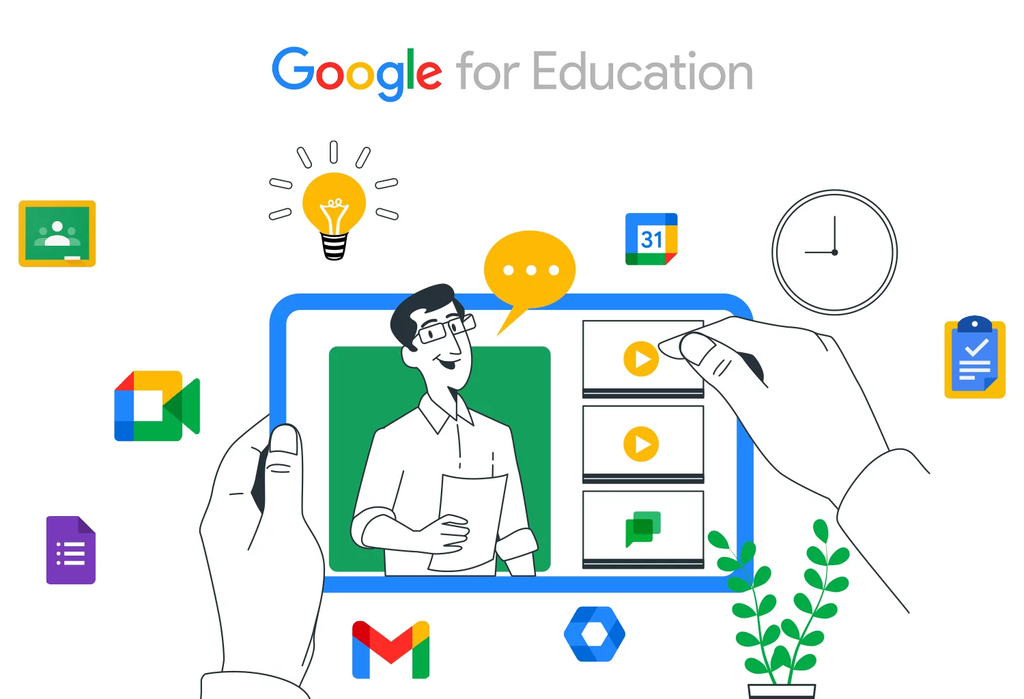
Google has engineered its core apps to mimic the physical flow of a school day, keeping students organized and teachers in complete control.
- Google Meet: Think of this as your virtual lecture hall. Teachers can launch video lessons, seamlessly mute background noise when a dog starts barking, and share their screens to display slide decks or write on digital whiteboards. Crucially, you can record sessions. If a student is dealing with a spotty internet connection at home, they don’t have to miss a beat—they can stream the recorded lesson whenever their connection stabilizes.
- Google Classroom: This is your digital homeroom. It allows teachers to map out different class sections, invite fellow educators to co-teach, post assignments, and share study resources. Because it acts as a central hub, students can log in and instantly see their daily agenda, due dates, and feedback all in one place. Bonus tip: Even if your school hasn’t adopted the full Workspace system yet, anyone with a personal Gmail account can use Google Classroom entirely for free by clicking the “waffle” icon grid in the upper-right corner of their screen.
- Google Forms: Gone are the days of manually grading stacks of paper quizzes. Forms lets you build auto-grading tests, quick exit tickets, and student surveys. The magic happens behind the scenes: all responses can be automatically compiled into spreadsheets, giving you instant data analytics on which concepts your class mastered and which ones need a quick review.
The Financials: Free vs. Paid
Google divides its services based on your institution’s legal status.
1. The Non-Profit Route (Google Workspace for Education Fundamentals)
If your school is a government-recognized, formally accredited non-profit institution, the Education Fundamentals tier is 100% free.
- The Requirements: To qualify, you’ll need an official school website, formal accreditation paperwork, and proof of your non-profit status.
- The Timeline: Once you submit your application, Google’s typical verification process takes up to 14 business days. However, if you purchase your school’s web domain directly through Google during setup, domain ownership is verified within 24 hours, giving you a temporary window to explore the tools while your full institutional paperwork clears.
2. The For-Profit Route (Business Starter)
If your school or learning center operates as a for-profit entity, you won’t qualify for the
free education tier, but you can enroll in Google Workspace Business Starter.
- The Cost: This tier sits at roughly $7 to $8.40 USD per user, per month, depending on whether you opt for an annual commitment or a flexible monthly plan.
- The Perks: This gives every teacher a professional, branded email address (e.g., teacher@yourschool.com), shared calendar networks, and secure cloud storage. Google offers a 14-day free trial for this tier, giving your administration plenty of time to take it for a test drive before committing.
Ready to Build Your Virtual Classroom?
The digital shift doesn’t have to be overwhelming. Google provides a completely free, video-based training ecosystem via the Google Teacher Center. It offers guided learning paths specifically designed to teach educators how to master Docs, Slides, Classroom, and Forms for remote environments.
To explore the right edition for your team or to jump straight into the application process,
check out the official setups below:
- To check school eligibility and apply for the free tier: Visit the official Google Workspace for Education Sign-Up.
- To compare paid business tiers for private institutions: Review the Google Workspace Pricing & Comparison Page.
- To start upgrading your skills today: Dive into the free interactive courses at the Google Teacher Center.